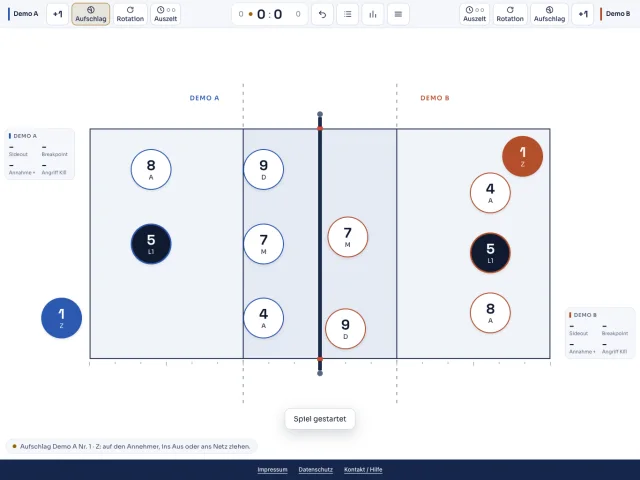
Record the match even without a dedicated scout. Choose teams and positions, then enter actions by touch on iPad. The court view helps coaches and volunteers get started. Your actions feed the same analysis as Code and imported files.
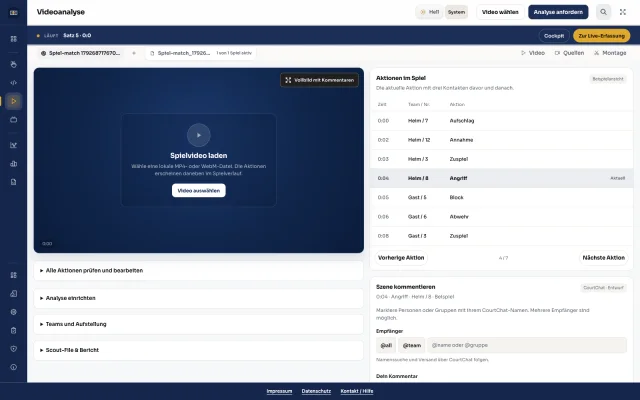
Start with your match video rather than a blank scouting sheet. AI helps identify match actions and creates a raw scout: a first draft of the detected match actions. Set up the court and teams, review the results and add detail in Code where needed.
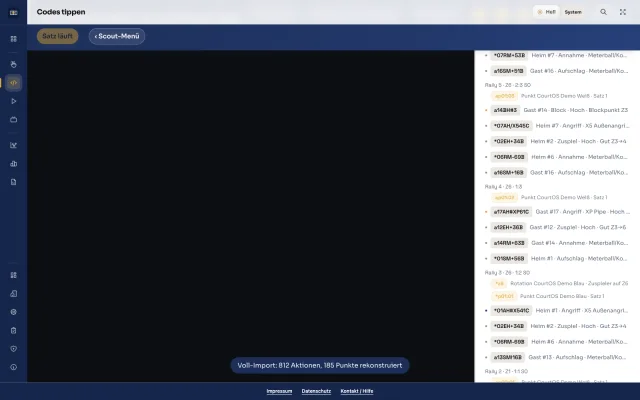
When you need more detail, code the match or import a scouting file. Add ratings, players and zones and connect actions to match video. Refine the raw AI scout here too. Statistics and scene selection use the same actions.
Choose your widgets and arrange them around your coaching.
Connect to Code
Follow the captured live data as the match unfolds.
Scoutboard is included with Touch, Code and AI Scout. A live connection requires an authorised Code account as its data source.
Complex dataClear visuals
We come from volleyball ourselves. We build analysis that you can use in training and match preparation.
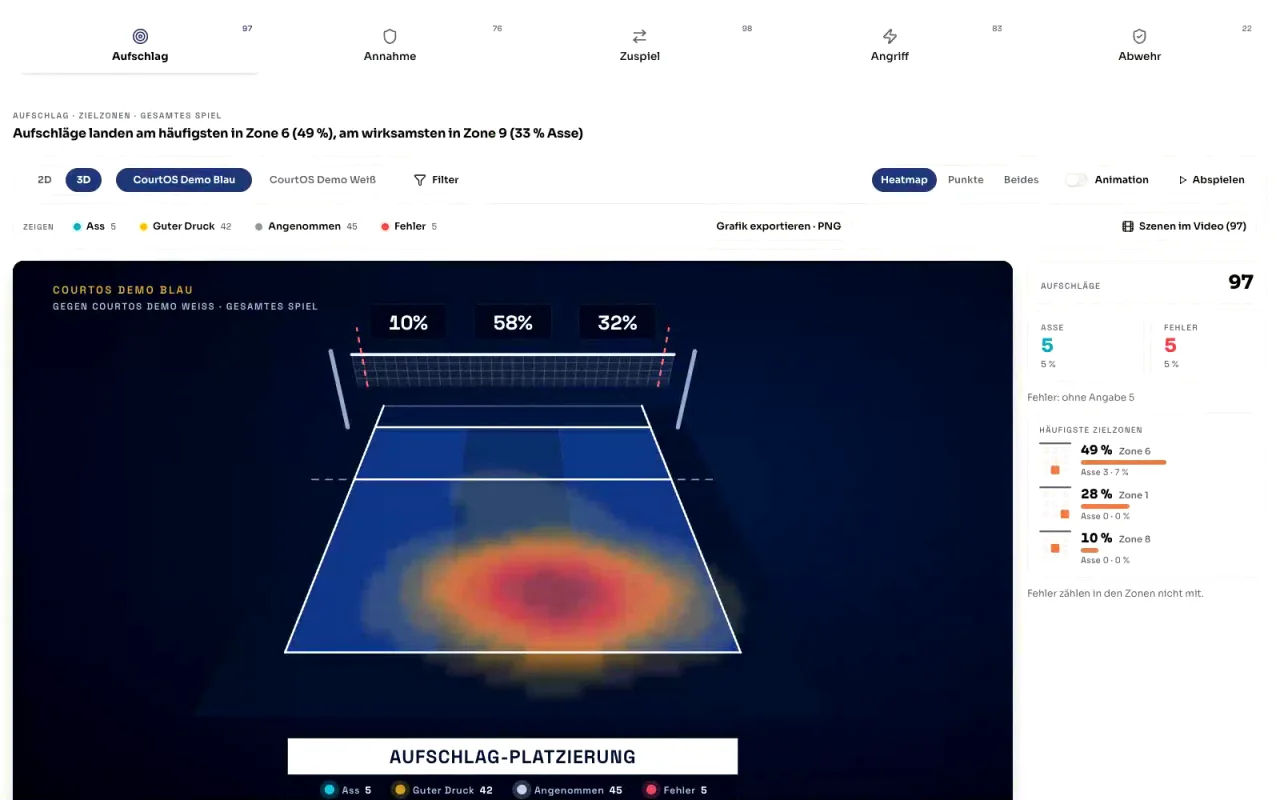
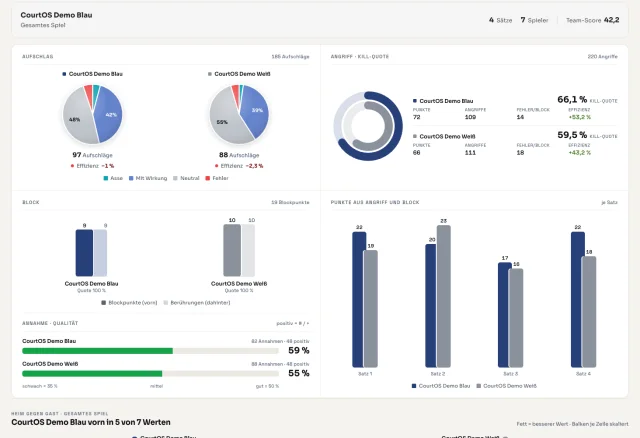
A percentage becomes useful when you understand the situation behind it. That is why we show attack directions, setting distributions and placements on the court, with filters for the question you want to answer.
From the number to the relevant scene
A number raises a question? Select it and review the actions in the video player. With linked, synchronised match video, you can go straight to the relevant scenes.
Find patternsKnow what to prepare for
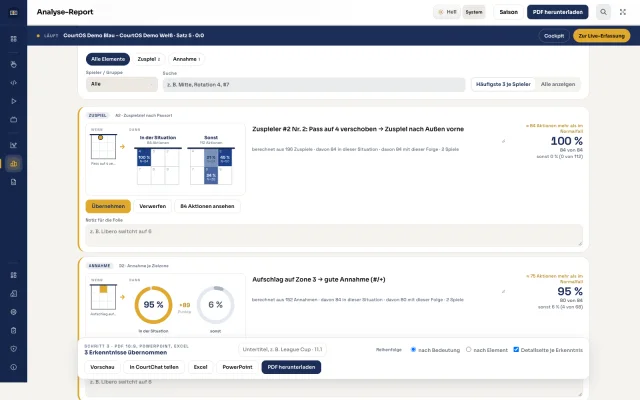
Prepare with specific match situations. CourtOS looks for patterns in setting, attack, reception, serve and rotations across one or more matches. See the actions behind each finding, check what matters for your team and add it to your report.
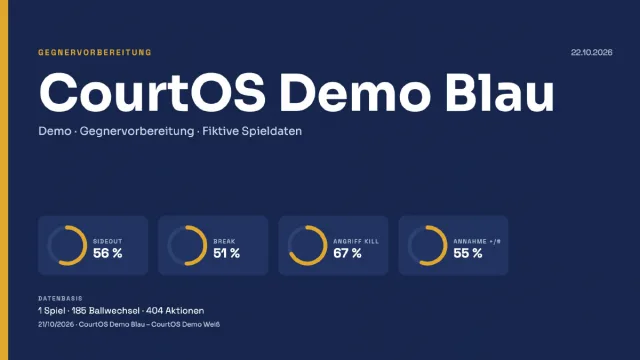
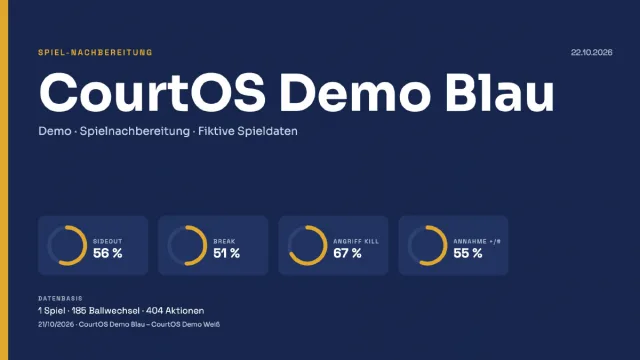
Use your report before and after the match. Download a PDF or editable PowerPoint and share it through CourtChat. Linked athletes can find their personal match analysis in the athlete portal.